QR Code Minimum Size: Smallest Size That Still Scans
QR code minimum size for print and phones: when 2 cm works, when it fails, and how to size labels, cards, menus, and posters correctly.
This article was written by the QR Nova team. We build QR code software, which may inform our perspective.
The answer most people get for QR code minimum size is "2 cm x 2 cm." That answer is incomplete. Sometimes 2 cm works. Sometimes it fails on the exact same phone you tested yesterday. The real rule is harsher: 2 cm x 2 cm is the practical floor for a short, simple code scanned from close range. Dense data, weak print quality, logo overlays, or longer scan distance push the safe minimum up fast. If you need one quick number, use 2 cm only for a short URL held in the hand. For business cards, menus, packaging, and anything customer-facing, 2.5 to 3 cm is the safer default.
TL;DR
- Practical minimum: 2 cm x 2 cm for a short URL scanned from 20 to 30 cm.
- Safer real-world minimum: 2.5 to 3 cm for business cards, labels, and table signage.
- Dense codes need more space: WiFi, vCard, long URLs, and logo QR codes usually need 3 to 4 cm.
- Quiet zone matters as much as size: keep 4 modules of blank space on every side.
- Use SVG when possible. If you print raster, export at final size and at least 300 DPI.
QR code minimum size, short answer
Create your first QR code — free
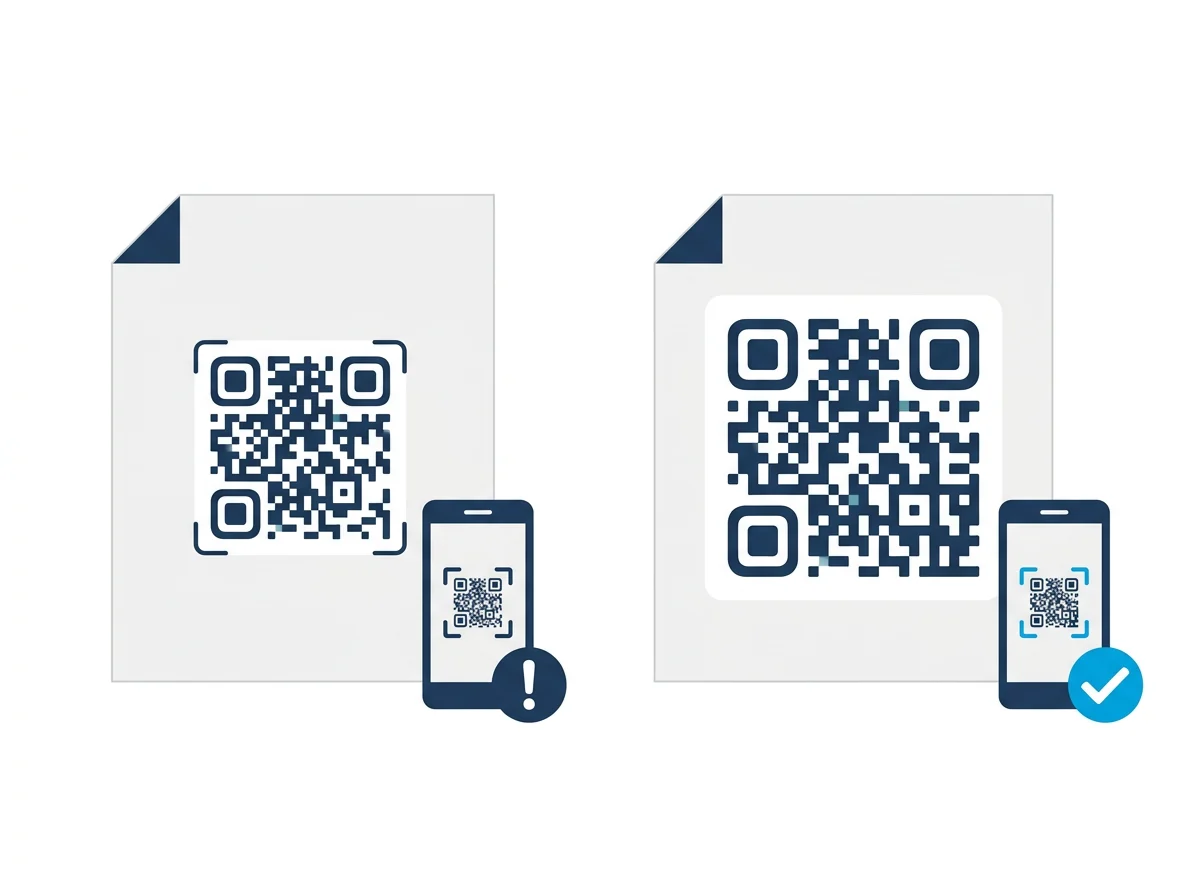
Get startedFor most consumer-facing print, the smallest QR code that still scans reliably on ordinary phones is 2 cm x 2 cm. That assumes five things: the code contains a short URL, the user scans from close range, the print is sharp, the contrast is strong, and the quiet zone is intact.
Break any of those assumptions and 2 cm stops being a safe minimum. A vCard QR code on a matte business card is not the same as a short URL on a clean white flyer. A WiFi QR code on packaging has more data. A code with a centered logo sacrifices recoverable area. A glossy bottle label introduces reflections. Same dimensions, different outcome.
If this is for anything important, printed menus, product packaging, trade-show materials, appointment cards, use 2 cm as a warning line, not as a recommendation.
Theoretical minimum vs practical minimum
This is where most bad advice starts. The QR standard allows symbols far smaller than the sizes that work well in day-to-day phone scanning.
DENSO WAVE's public guidance explains that a Version 1 QR code has 21 x 21 modules and that common laser printing can go down to roughly 0.17 mm per module. On paper, that puts the symbol itself around 3.57 mm wide before adding quiet zone. Add the required 4-module margin around the code and the usable area lands just under 5 mm. That is a real engineering number. It is also useless for a restaurant menu or a product insert meant for ordinary phone cameras.
Practical minimum is different. It accounts for human behavior, shaky hands, camera autofocus, glare, cheap printers, coated paper, and the fact that people do not scan from a lab bench. That is why a code can be technically valid and still fail in production.
| Measurement | What It Means | Useful For |
|---|---|---|
| 3.57 mm symbol width | Theoretical tiny code without real-world margin | Industrial or controlled environments |
| About 5 mm usable area | Tiny code with quiet zone included | Specialized printing and specialized readers |
| 2 cm practical floor | Smallest consumer-facing print size that can still work | Simple short URLs scanned up close |
| 2.5 to 3 cm recommended | Realistic safety margin for normal phones and normal print | Business cards, labels, menus, handouts |
Why one minimum number is misleading
QR code size is not just width and height. It is module size multiplied by module count, plus quiet zone. Module count changes with payload. Module quality changes with print process. Scannability changes with distance and light. Put bluntly, "2 cm" without context is not guidance. It is a half-memory.
1. More data means smaller modules
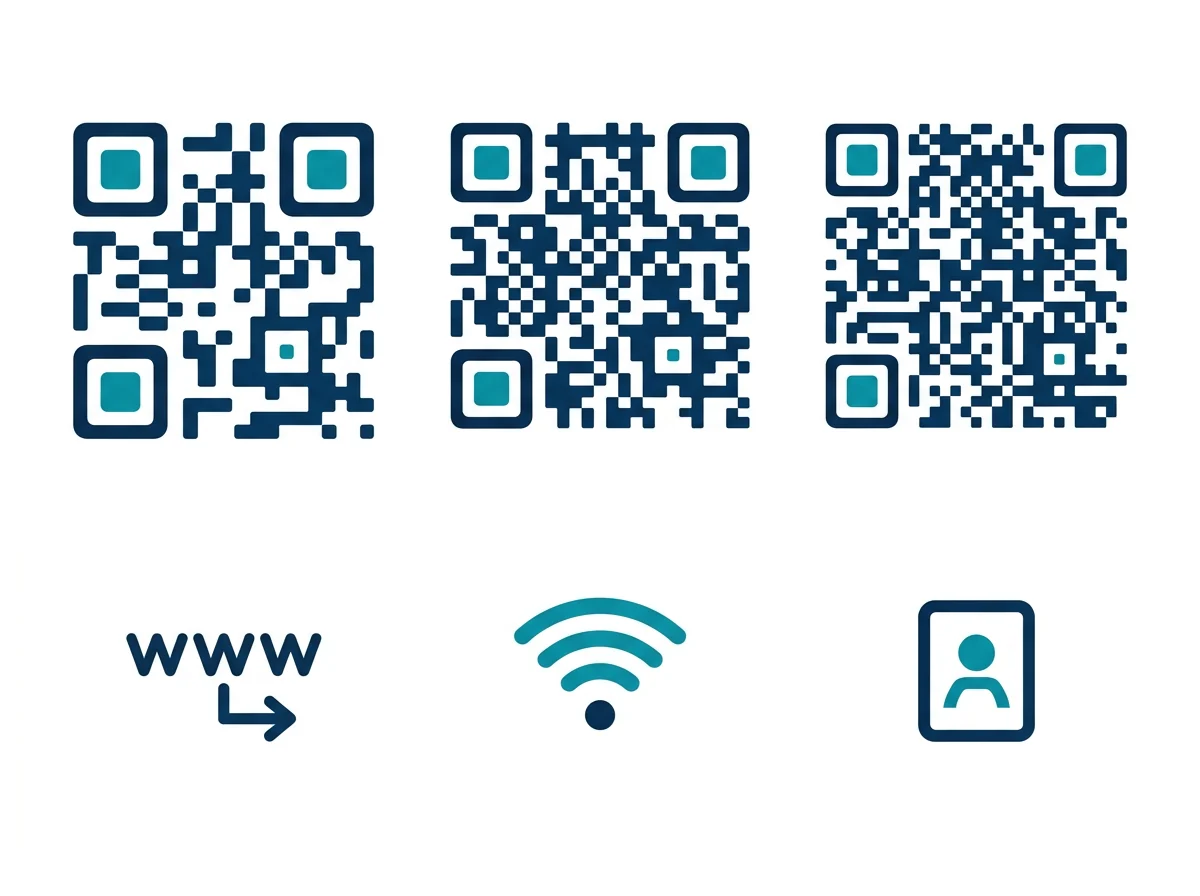
A short URL produces a simpler pattern than a WiFi credential block, a long UTM-tagged URL, or a full contact card. If you hold final dimensions constant, the more data you encode, the smaller each module becomes. Once those modules get too fine for the print method or the camera, scan reliability drops.
2. Quiet zone steals space
The white border is not optional decoration. The QR standard requires a quiet zone of 4 modules on every side. Designers regularly crop it because the code "still looks fine." Then the camera fails to isolate the symbol. If your 2 cm code loses margin, it behaves like a smaller code.
3. Printing method sets the floor
DENSO WAVE also notes that stable operation depends on module size and printer head density. On a 300 dpi thermal printer, a 5-dot module is about 0.42 mm. That is already a big clue: if your modules are tiny and your print method is coarse, the code may look crisp enough to a human eye while still being rough at the module edge where decoders struggle.
4. Phones scan people, not perfection
Phones are not fixed-mount industrial readers. Users tilt the page. They scan in dim kitchens. They scan through reflections on laminated menus. They scan from farther away than you expected. Minimum size should account for that chaos.
Minimum QR code size by payload type
This is the practical chart that matters more than the generic 2 cm answer.
| QR Code Type | Typical Payload Density | Absolute Floor | Recommended Size |
|---|---|---|---|
| Short URL | Low | 2 cm x 2 cm | 2.5 cm x 2.5 cm |
| Dynamic URL with UTM parameters | Low to medium | 2 cm x 2 cm | 2.5 to 3 cm |
| WiFi QR code | Medium | 2.5 cm x 2.5 cm | 3 cm x 3 cm |
| vCard or contact details | Medium to high | 3 cm x 3 cm | 3.5 to 4 cm |
| QR code with centered logo | Low to high, depending on payload | Add 25% | Add 25 to 50% |
| Curved, glossy, or textured packaging | Any | Do not use the floor | Go one size larger than normal |
If your code is heading to print, compare this chart with your actual use case, then cross-check against our QR code print size guide for distance-based sizing. If the code is already failing in the field, work through the physical causes in QR code not scanning.
Business card, label, menu: where minimum size usually breaks
Business cards. This is where people get burned. They try to preserve white space, add a logo, keep the card elegant, then squeeze the code to 1.5 cm. It may scan on the designer's phone under office light. It will fail for somebody else. For business cards, 2.5 cm is the smarter starting point. If it is a vCard, 3 cm is better.
Product labels. Small labels tempt people into using the absolute minimum. But labels add glare, curve, ink spread, and damage. If the label is glossy or wrapped around a bottle, treat 2 cm as too small unless the payload is trivial.
Restaurant menus and table cards. People scan from awkward angles, often in weak light. Menus get scratched, laminated, and wiped down with chemicals. A small code that worked fresh from the printer may become unreliable after a week of real use.
How to calculate the minimum size instead of guessing
Use this sequence.
- Estimate scan distance. Handheld print usually means 20 to 40 cm.
- Classify the payload. Short URL, WiFi, vCard, app link, payment, long URL.
- Choose the print method. Laser, thermal, digital press, sticker roll, packaging line.
- Add risk factors. Logo overlay, glossy stock, curved surface, low-light environment.
- Size up one step from the absolute floor.
A simple rule works well in practice:
- Start at 2 cm only for a short URL.
- Add 0.5 to 1 cm for medium-density data.
- Add another 25% if there is a logo, curved surface, or reflective finish.
If you need a new code, generate it as SVG from a URL QR code generator so the edges stay sharp at any final size. If you are printing contact information, use a vCard QR code generator and give it extra room instead of forcing the code into a decorative corner.
Signs your QR code is below the safe minimum
- It scans only when the phone is very close and perfectly centered.
- It works on one flagship phone and fails on older devices.
- The code looks fine on screen but fails after print.
- The code works indoors near a window and fails elsewhere.
- The code scans before lamination or packaging shrink-wrap, then stops.
Those are not random failures. They are what minimum-size mistakes look like in production.
Pre-print checklist for small QR codes
Before you approve print, run this checklist.
- Test on at least one iPhone and one Android phone.
- Test at the actual printed size, not on screen.
- Check the quiet zone after the final layout, not just in the generator preview.
- Use dark modules on a very light background.
- Avoid JPEG exports.
- Print one physical proof before ordering a full run.
- If the code is dense, glossy, curved, or branded with a logo, go larger.
That last point matters. Most QR code failures are not because the code was impossible to scan. They happen because someone designed to the minimum and shipped without margin.
The better answer to "what is the minimum size for a QR code?"
The better answer is this: 2 cm x 2 cm is the smallest size that can work for simple, close-range, consumer phone scanning. It is not the size you should default to. If the code matters, if it leads to a payment page, a menu, an appointment flow, a product instruction page, or contact details, give it breathing room. In most real print jobs, 2.5 to 3 cm is the safer number.
Minimum size is not about squeezing a QR code into the layout. It is about deciding how much failure you are willing to ship.
Frequently asked questions
What is the minimum size for a QR code?
The practical minimum for a phone-readable printed QR code is 2 cm x 2 cm for a short URL scanned from 20 to 30 cm. Dense payloads like vCards, WiFi credentials, and codes with logos usually need 3 to 4 cm.
Can a QR code be smaller than 2 cm?
Theoretical and industrial minimums can be much smaller than 2 cm, but that does not mean ordinary phones will scan them reliably. For consumer-facing print, going below 2 cm is usually a mistake unless the payload is tiny and the scan distance is very short.
Why does a small QR code fail to scan?
Small QR codes fail when the modules become too tiny for the camera, printer, or lighting conditions. Low contrast, missing quiet zone, glossy surfaces, and dense data make the failure point arrive sooner.
Does more data require a bigger QR code?
Yes. More data creates more modules in the pattern. If the overall code size stays the same, each module becomes smaller, which makes printing and scanning harder.
What size QR code should I use on a business card?
Use 2 cm only as a floor. For most business cards, 2.5 to 3 cm is safer, especially if the code contains contact details or a logo.
How much white space does a QR code need around it?
The QR standard requires a quiet zone of 4 modules on all sides. If that white margin is cropped, even a correctly sized code can fail.
What file format is best for a small QR code?
SVG is best whenever possible because it preserves sharp module edges at any size. If you must use raster, export PNG at the final print size and at least 300 DPI.
Related articles
How to Test a QR Code Before Printing: 5-Step Checklist
5-step checklist: multi-device scanning, distance testing, URL verification, contrast ratio, and structural validation. Catch QR failures before ink hits paper.
QR Code Print Size Guide: Minimum Size & Resolution
QR code print size guide: minimum 2cm × 2cm, 300 DPI for print, SVG for large format. Every use case covered with exact specs. No guesswork.
QR Code Best Practices (2026): 9 Rules to Prevent Failures
Exact size, contrast, quiet zone, and error correction numbers from the DENSO Wave standard — plus a pre-print checklist. Prevent scan failures before print.
Create your first QR code — free
Get started