Can QR Codes Be Hacked? The Real Risks
Can QR codes be hacked? The code itself can't, but quishing attacks trick you after scanning. Learn the real threats and how to stay safe. Free guide.
This article was written by the QR Nova team. We build QR code software, which may inform our perspective.
Most security articles about QR codes either say "they're completely safe" or they spiral into vague warnings about "malicious codes" without explaining how any of it actually works. Neither is useful to the person who just got a QR code in an unexpected email and wants a real answer. Here's what actually matters. A QR code image cannot be hacked, it's just a printed pattern. What can be hacked is where that pattern sends you, and the mechanics of QR-based phishing (called quishing) have become sophisticated enough that in 2025, the FBI formally warned enterprises about QR codes being used to bypass corporate email security filters.
TL;DR
- The QR code itself cannot be "hacked", it has no executable code, no active component.
- The real attack is quishing: a malicious QR code that routes you to a phishing page or malware download.
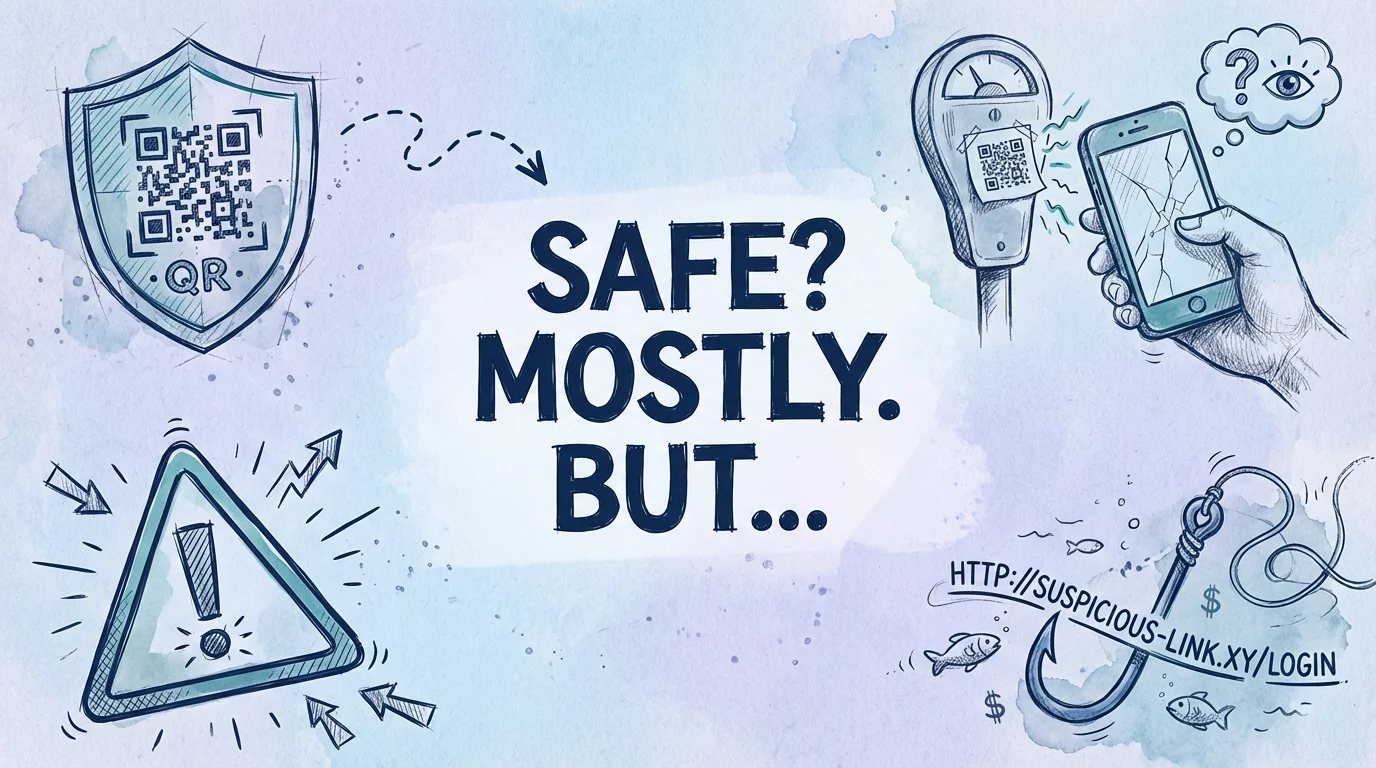
- Physical tampering, fake stickers over real QR codes, is documented in the wild (parking meters, restaurant tables).
- Safe practice: always preview the destination URL before proceeding, and scan only codes you can trace to a trusted source.
Can QR codes be hacked?
Generate your first QR code — free
Get startedA QR code is a pattern of black and white modules arranged in a square grid, encoding data using the ISO/IEC 18004 standard. When your camera scans it, the phone reads that pattern optically, the same way it would read a barcode. There is no code execution, no data transmission, no network request at the moment of scanning. The QR code image itself cannot be hacked, infected, or weaponized.
What can be manipulated is the content encoded in the pattern. A QR code that encodes https://yourbank.com looks identical in size and structure to one that encodes https://yourb4nk-login.com. The human eye cannot tell the difference by looking at the pixel pattern. The attack surface is not the QR code, it's the URL it contains.
This distinction matters because it changes what you actually protect against. You're not protecting against the QR code doing something to your phone. You're protecting against being sent somewhere you didn't intend to go.
The real threat: quishing (QR code phishing)
Quishing is the use of QR codes to deliver phishing attacks. The technique has one critical advantage over traditional phishing: most enterprise email security tools, spam filters, link scanners, sandboxes, analyze text-based URLs. A QR code is an image. The malicious URL is invisible to automated scanners.
In 2025, the FBI's Internet Crime Complaint Center issued a warning specifically about quishing campaigns targeting corporate employees. The attack pattern is consistent: an email with a QR code embedded as an image, claiming the recipient needs to scan it to verify their account, complete a multi-factor authentication step, or access a shared document. The QR code sends them to a spoofed Microsoft 365 or Okta login page. Credentials are harvested.
According to a January 2026 report by Help Net Security, researchers from Deakin University documented how visually stylized QR codes, those with custom colors, logos, or artistic patterns, are being used specifically to evade AI-based QR code detection tools. A stylized code is visually distinct from the training data most detection models use, so it gets through.
The scale is not trivial. NordVPN research cited in their 2025 security analysis found that 73% of Americans scan QR codes without verifying the destination URL, and more than 26 million users have been redirected to malicious websites via QR codes. These are not obscure corner cases, they're happening at scale.
Physical tampering: the sticker attack
The digital quishing attack is the sophisticated threat vector. The physical tampering attack is simpler and arguably harder to detect without awareness.
The mechanics: a malicious actor prints a new QR code encoding their phishing URL, cuts it to size, and places it as a sticker over a legitimate QR code. The sticker looks exactly like the original, same approximate size, same black-and-white pattern. A casual scanner sees what appears to be the restaurant's menu QR code or the parking meter's payment code.
This attack is well-documented in the real world, not just in security research. In 2025, New York City's Department of Transportation issued a formal warning after discovering fraudulent QR code stickers placed on parking meters throughout the city. Drivers who scanned the sticker were directed to a fake payment page. The U.S. Federal Trade Commission issued a consumer alert the same year warning specifically about QR codes on "unexpected packages", a common fraud vector where a package arrives with a QR code instructing the recipient to scan to claim a refund or gift.
How to spot a tampered QR code
There is no reliable visual test that distinguishes a legitimate QR code from a malicious one by pattern alone. What you can check:
- Physical condition: A sticker placed over an original code often has slightly raised edges, misalignment with the surrounding material, or different paper texture. Look, don't just scan.
- Domain verification: After scanning, before tapping anything, check the URL your scanner shows. A parking meter in New York City should not be sending you to
parkingpayment-nyc.ru. - Expected context: A QR code on a restaurant menu should go to that restaurant's domain. A code on a product box should go to the manufacturer's site. If the domain doesn't match what you expect, abort.
State-Sponsored QR code attacks
This is not just consumer fraud. In 2025, security researchers at Sentinel Labs documented that North Korean state-sponsored hackers linked to the Kimsuky APT group were embedding malicious QR codes in targeted spear-phishing emails directed at government contractors and think tank researchers. The codes redirected victims to fake login pages for Microsoft 365, Okta, and VPN portals, harvesting session tokens that allowed persistent access.
The reason QR codes are effective at this level: targeted employees are often trained to be suspicious of text links but haven't been trained to treat QR codes with the same skepticism. A QR code in a professional-looking email doesn't trigger the same alarm that a suspicious text URL does.
When QR codes are completely safe
The risk profile changes completely based on the context in which a QR code appears. For a deeper look at whether QR codes are safe to scan, see our full safety guide. Here's when QR codes carry effectively zero risk:
You created the QR code yourself
If you use a QR generator to create a code pointing to your own website, your WiFi credentials, or your contact card, there is no attack surface. You control both the code and the destination. The URL QR Code Generator at QR Nova generates codes client-side, no server involved, no data retained. You get the code, you print it, you control it.
The code is on a physical product you purchased in a sealed package
A QR code printed during manufacturing on a product box is extremely unlikely to be tampered. The attack would require physical access to sealed inventory. This is theoretically possible but practically rare compared to the sticker-over-existing-code attack vector.
You can visually verify the code matches the expected surface
A QR code printed directly onto a tablecloth or etched into a sign is much harder to tamper with than one on a paper insert. The more integrated the code is with its surface, the lower the tamper risk.
When you should be skeptical
This is the section most generic security articles omit, they tell you to be suspicious of everything, which creates alert fatigue. Here's when elevated skepticism is actually warranted:
- Unexpected packages or deliveries: The FTC's 2025 warning specifically flags this. If a package arrives unexpectedly with a QR code asking you to scan for a refund or gift, treat it as a phishing attempt.
- QR codes in emails, particularly with urgency framing: "Scan to verify your account within 24 hours" is a social engineering trigger. Legitimate services don't require QR code verification via email.
- Public QR codes in high-traffic areas: Parking meters, ATMs, and anything that handles payment are documented targets for sticker attacks. Verify the domain before proceeding with any financial transaction.
- QR codes on printed flyers in public spaces: Easy to print, easy to place. A flyer advertising a concert with a QR code for tickets could be legitimate or not. Check the domain.
How QR code generators affect security
The platform you use to generate QR codes affects security in one important way: dynamic QR codes created by platforms route through that platform's redirect servers. This means the malicious actor doesn't need to compromise your code, they need to compromise the platform's redirect infrastructure, which is a higher bar.
More relevantly for legitimate QR code creators: the platform's own security practices matter. If the platform's servers are compromised and your redirect rules are changed without your knowledge, a previously safe code could be redirected to a malicious destination. This is why the dynamic QR code platform you choose should have clear security practices, 2FA on accounts, and audit logging for destination changes.
Static QR codes, those that encode a URL directly without a redirect layer, eliminate this attack surface entirely. There's no server to compromise, no account to hijack. The encoded URL is fixed and transparent. For WiFi QR codes, contact cards, and any code pointing to a stable destination, static codes are inherently more secure because their behavior cannot be altered post-creation.
Practical security checklist for QR code users
This is what actually reduces risk, in order of impact:
- Use a QR scanner that previews the URL before loading. Both iOS (native camera) and Android (Google Lens) show the destination URL as a preview. Tap the preview URL to read it, don't just tap "open." On iOS, long-pressing the notification shows the full URL before you commit to loading it.
- Match the domain to your expectation. Scanning a code at a hotel front desk? The URL should have the hotel's domain. Scanning at a restaurant? Should have the restaurant's domain or a recognizable QR platform (qrcode-tiger.com, qr-nova.com, etc.). A mismatch is a red flag.
- Be skeptical of QR codes with urgency framing. "Scan now to claim your reward" is a social engineering trigger, not a feature.
- Never enter payment details through a QR code scan unless you've verified the full URL. The extra 5 seconds of verification is the entire defense against parking meter scams.
- For businesses creating QR codes: use a platform with account 2FA. Your account being compromised means your QR code destinations can be changed without reprinting anything.
How QR nova handles security
QR Nova generates static QR codes client-side, the URL you enter never leaves your browser until the code is rendered. There's no account database to breach for static code contents. The codes you download are yours, with no server dependency and no redirect layer that could be compromised.
For users creating QR codes to share with others: the free QR code generator produces static codes that behave exactly as specified, every time. There's no redirect infrastructure that could be compromised and no platform-level attack surface that could change where your codes send people.
If you need dynamic codes, editable destinations, scan tracking, the platform security model matters more. Any dynamic QR platform worth using should offer 2FA on accounts, HTTPS-only redirects, and notification when a destination URL is changed. Ask your platform directly if these features exist before printing at scale.
You can create a secure static QR code free at QR Nova, no account required, no redirect layer, no server dependency.
Frequently asked questions
Can a QR code give my phone a virus?
A QR code image itself cannot infect your phone, scanning is just optical pattern recognition. The risk comes from where the code sends you: a malicious URL can lead to a phishing page, a drive-by download site, or a credential harvesting form. The QR code is the delivery mechanism, not the weapon.
What is quishing?
Quishing is QR code phishing, using a QR code to redirect victims to a fake login page or malware download. It bypasses traditional email security filters because most anti-phishing tools scan text links, not embedded images. In 2025, the FBI's Internet Crime Complaint Center (IC3) documented a spike in quishing attacks targeting corporate credentials via QR codes in emails.
How can I tell if a QR code is safe before scanning?
You can't fully verify a QR code before scanning without a QR scanner app that previews the URL before opening it. Safe practices: scan only codes you can physically trace back to a known source, use a scanner that shows the destination URL before loading, and never scan QR codes on unexpected packages, emails, or public stickers that weren't there before.
Can someone replace a real QR code with a fake one?
Yes, this is the most common physical QR code attack. Fraudulent stickers placed over legitimate QR codes have been documented on parking meters in New York City (2025), restaurant tables, and ATMs. The sticker looks identical. The only defense is verifying that the QR code destination matches the expected domain before proceeding.
Are QR codes on restaurant menus safe?
QR codes placed by the restaurant on their own physical materials are almost always safe, the restaurant controls both the code and where it points. The risk is a tampered code: a sticker placed over the original. If the domain in the URL doesn't match the restaurant's known website, don't proceed.
Can QR codes steal my personal information?
The QR code itself cannot steal information, it has no script, no active component. But the website it directs you to can. A convincing fake login page, for example, harvests credentials when you try to sign in. The QR code is just the delivery mechanism to get you to that fake page.
What should I do if I think I scanned a malicious QR code?
Close the browser tab immediately without entering any information. If you entered credentials, change the password for that service right away. Run a scan with your phone's security app. Report the suspicious code to the venue, organization, or platform where you found it.
Is it safe to put a QR code on my business card?
Yes. A QR code you generate and print on your own business card is entirely safe, you control both the code and the destination. The security concern arises when other people distribute QR codes they've created, not when you create your own for legitimate purposes.
Related articles
QR Code Phishing (Quishing): How to Stay Safe
QR code phishing, quishing, grew 400% since 2023. Learn how attackers use fake QR codes, how to spot them, and how to protect yourself. No jargon.
Dynamic QR Code Scam: 2 Traps to Avoid (2026)
A dynamic QR code scam has two forms: predatory platforms that deactivate your codes, and criminals who swap the destination. How to spot both.
Free QR Code Generator: No Sign Up, No Catch
Free QR code no sign up — generate, download, done. No email, no trial, no credit card. QR Nova codes never expire and have unlimited scans.
Generate your first QR code — free
Get started