Do QR Codes Expire? The Truth
Do QR codes expire? Static codes never do. Learn which types are permanent, which die when you cancel, and how to avoid the trap, free, no sign-up.
This article was written by the QR Nova team. We build QR code software, which may inform our perspective.
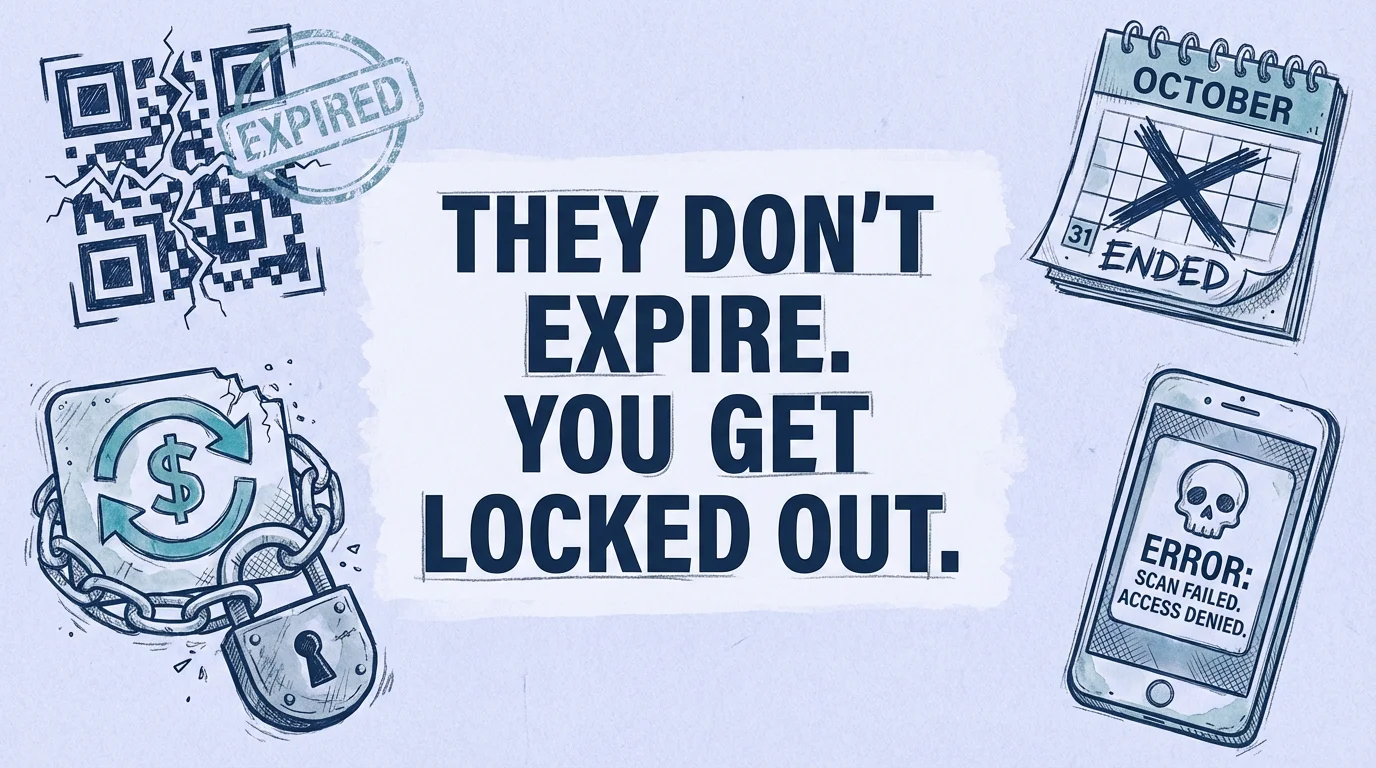
Most articles about whether QR codes expire give you a vague "it depends." That's technically correct and practically useless to the person who just found out their printed menus are broken after cancelling a subscription they forgot they had. Here's what actually happens. Static QR codes never expire, the destination is encoded directly in the image and requires no server. Dynamic QR codes expire the moment you stop paying most platforms' subscriptions, and most platforms don't warn you until your printed materials are already dead. If you need a permanent QR code with no subscription, skip straight to the bottom, or read on for exactly why the expiration trap exists and how to avoid it.
TL;DR
- Static QR codes are permanent, no server, no subscription, no expiration, ever.
- Dynamic QR codes depend on a platform's redirect server, cancel your plan and the code dies.
- As of April 2026, QR Tiger caps free dynamic codes at 500 scans; Flowcode's free tier allows only 2 active codes.
- The fix: use static codes for permanent destinations, or choose a platform that doesn't hold your codes hostage through vendor lock-in.

Do QR codes expire?
Generate your first QR code — free
Get startedStatic QR codes never expire. The data, typically a URL, is encoded directly into the black-and-white pixel pattern using the ISO/IEC 18004 standard. There is no server involved, no redirect layer, and no account to maintain. The code works as long as the physical print is readable and the destination URL stays live.
Dynamic QR codes are a different story. They encode a short URL that points to a redirect server operated by the platform that created them. When you scan a dynamic code, your phone hits that server, which looks up your destination and forwards you there. This architecture is what enables editable destinations and scan analytics, but it also creates a dependency: the server must stay running, and your account must stay active.
On nearly every major platform, deactivating or cancelling your subscription stops the redirect. Your printed code now points to a dead URL. The QR code image hasn't changed, the pixels are identical, but it no longer functions. So do QR codes expire? Static ones: never. Dynamic ones on subscription platforms: the moment you stop paying.
Why most dynamic QR codes expire when you stop paying
Understanding why dynamic QR codes expire requires understanding the business model behind them. The subscription model is not incidental, it's the core revenue mechanism. Platforms charge monthly because your dynamic code generates ongoing server costs: storing your redirect rules, handling scan traffic, logging analytics. When revenue stops, maintaining the redirect for free-tier or cancelled users is a cost center with no return.
What makes this dangerous for users is the mismatch between the subscription cycle and the physical material lifecycle. A restaurant prints 500 table cards. The QR code links to the menu. Six months later, the owner decides to cancel the $29/month plan because they don't use the analytics. The next morning, every table card in the restaurant is broken. Customers scan and get an error.
This scenario plays out constantly. A 2026 analysis published by North Penn Now documented dozens of small businesses whose QR-coded signage went dead after subscription cancellations, in several cases, businesses didn't discover the problem until customers complained in person.
The free trial trap: QR codes expire silently
The situation is worse for users who created codes during a free trial, and it's one of the most common reasons QR codes expire unexpectedly. Most platforms start the clock the moment you sign up, not when you first use the platform in earnest. A typical trial runs 14–30 days. If you created dynamic codes on day one and forgot to upgrade, every code you made, and potentially shared or printed, died silently at trial end.
QR Code Generator (by Beaconstac) is explicit about this: their support documentation states that dynamic QR codes created on a free trial will be deactivated if you don't upgrade, and any printed materials using those codes will stop functioning. The codes can be reactivated by restoring a paid plan, but the physical materials are already in the world. If you're evaluating QR Code Generator, our QR Nova vs QR Code Generator comparison breaks down the key differences in expiration policy, pricing, and permanent code options.
Competitor policies as of April 2026
Knowing whether your specific platform lets QR codes expire, and under what conditions, is essential before you print anything at scale. Here's the reality on the three most commonly used platforms:
QR tiger
QR Tiger's free plan allows 3 dynamic QR codes with a hard cap of 500 scans each. Once a code reaches 500 scans, the redirect stops and scanners see an error page. For paid tiers, codes remain active as long as the subscription is current. Cancelling a paid plan reverts your account to free-tier behavior, any dynamic codes beyond the 3-code free limit are deactivated. As of April 2026, paid plans start at $7/month (annual) and go up to $89/month for enterprise features. There is no permanent plan option.
Flowcode
Flowcode markets its codes as codes that "never expire", which is true in the sense that Flowcode does not impose arbitrary time limits. However, this claim requires nuance: Flowcode's free tier limits you to 2 active dynamic codes with analytics capped at 500 scans. If you create more than 2 dynamic codes on the free tier, earlier ones may be deactivated. Paid plans start at $25/month for 50 codes with 6,000 scan analytics. Flowcode's enterprise tier starts at $250/month (billed annually) and includes API access and CRM integrations. The "never expires" claim applies only to codes within your plan's active code limit.
QR code monkey
QR Code Monkey is primarily known for static codes, and static QR codes never expire regardless of your account status. The platform does offer dynamic codes, primarily through its Pro tier. The key distinction: static codes from QR Code Monkey will continue working forever even if you delete your account entirely, because they have no server dependency. Dynamic codes, however, require an active subscription. QR Code Monkey offers a Lifetime Premium plan (one-time payment, no monthly fees) as an alternative to recurring subscriptions, a notable exception to the industry norm.
When this advice doesn't apply
There are legitimate cases where QR codes expiring is a feature, not a bug. If you're running a time-limited promotion, a discount code valid through end-of-month, a conference badge that should only scan during the event, you probably want the code to stop working after a certain date.
Most dynamic QR platforms let you set manual expiry conditions: a date, a scan count, or both. This is genuinely useful. The problem is when expiration is involuntary (subscription lapse) rather than intentional (campaign end).
There are also cases where a static code is the wrong tool even though you want permanence:
- If the destination might change: a static code can't be edited. If you're pointing to a landing page that gets redesigned or moved, you'll need to reprint every physical material.
- If you need scan analytics: static codes have no tracking. You can't know how many people scanned, from where, or when.
- If you need to A/B test destinations: dynamic codes can redirect different percentages of traffic to different URLs. Static codes can't.
For these use cases, a dynamic code is worth the platform dependency, but choose the platform carefully.
The three failure modes — and how to diagnose them
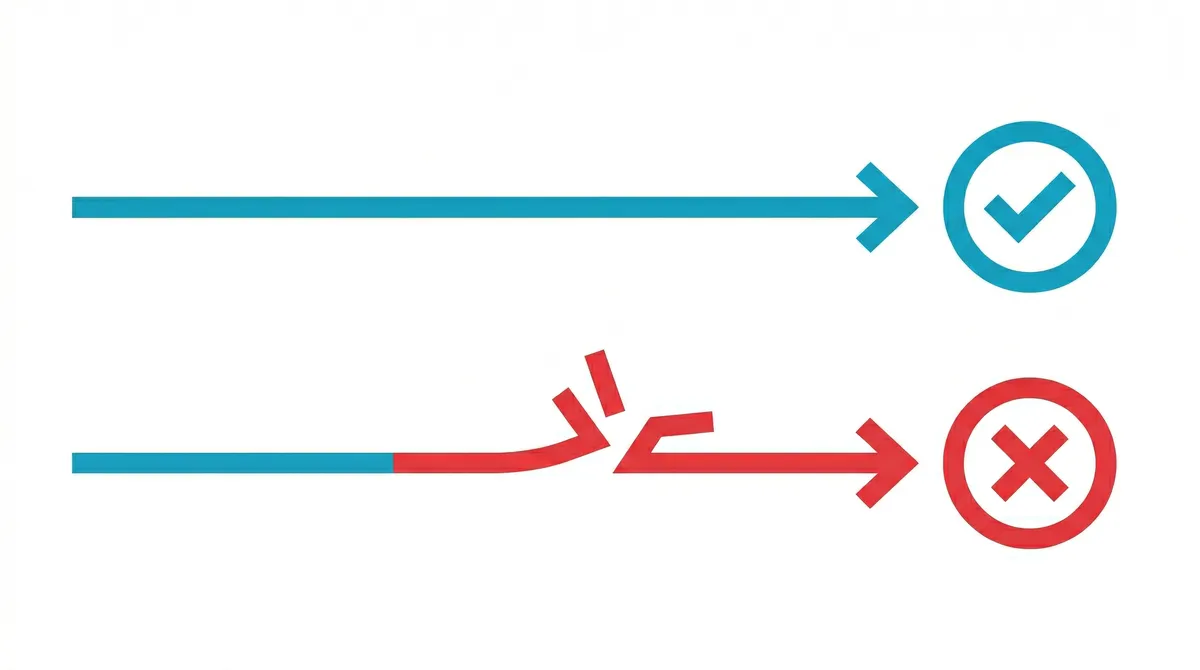
When someone reports that a QR code "doesn't work," there are exactly three things that could have gone wrong, only one of which means the QR code expired. Diagnosing the right one determines the fix.
Failure mode 1: the redirect server is down or your account is deactivated
Symptom: Scanning the code takes you to an error page on the platform's domain (e.g., "This code has been deactivated" or "Account not found"). The short URL in the QR code resolves, but the platform's redirect layer returns an error.
Fix: Log into the platform, check your account status, and restore an active subscription if needed. All your redirect rules are still stored, reactivating the account restores the codes without reprinting.
Failure mode 2: the destination URL is dead
Symptom: The redirect server works correctly, but the destination URL returns a 404, a domain parking page, or a blank screen. This happens when the website at the destination was taken down, the domain expired, or the page URL changed.
Fix: For dynamic codes, simply update the destination URL in your platform dashboard, no reprinting needed. For static codes, you cannot fix this without reprinting, because the dead URL is baked into the code's pixel pattern.
Failure mode 3: the physical code is unscannable
Symptom: Camera apps fail to recognize the pattern at all. No network request is made. Common causes: the code was printed too small (minimum 2cm × 2cm for standard scanning distance), contrast is too low (e.g., dark code on dark background), or the physical material is damaged or worn.
Fix: Reprint with correct specifications. The QR code standard (ISO/IEC 18004) specifies error correction levels, a Level H code can survive up to 30% physical damage and still scan correctly. For permanent installations exposed to weather or handling, always use Level H.
QR code types and their expiration behavior: do QR codes expire by type?
The expiration behavior depends entirely on whether your code is static or dynamic. Here's the full comparison:
| Type | Expires? | Server required? | Editable? | Analytics? |
|---|---|---|---|---|
| Static URL | Never | No | No | No |
| Static WiFi | Never | No | No | No |
| Static vCard | Never | No | No | No |
| Dynamic URL (subscription) | On cancellation | Yes | Yes | Yes |
| Dynamic URL (permanent platform) | Never | Yes | Yes | Yes |
| Free trial dynamic | At trial end | Yes | Yes (while active) | Yes (while active) |
Examples at three complexity levels
The right QR code type depends on what you're actually trying to do. Here's how to think about it across three real scenarios:

Low complexity: restaurant table cards or café WiFi
You want customers to connect to your WiFi or see your menu. The destination is stable, your menu URL rarely changes, and your WiFi password changes maybe once a year. A static QR code is the right call. Generate it once, print it, and it works for the lifetime of the physical material. No subscription, no account, no risk of expiration. If the menu URL changes, reprint the cards, the cost is low because the use case is simple.
Mid complexity: regional retail campaign
A regional chain running a seasonal promotion needs 200 unique store locations to link to campaign landing pages. The campaign runs for 8 weeks. Dynamic codes are justified here: you can update the destination when the campaign ends (redirecting to the main site instead of a 404), and you want scan analytics to measure campaign ROI by store. Choose a platform with analytics, and make sure to either reactivate after the campaign or update the destination, don't let the codes go dead in store windows.
High complexity: enterprise product packaging
A national consumer goods brand embeds QR codes in product packaging for a 2-year print run. The critical question: will these QR codes expire mid-cycle? Codes will be scanned by millions of consumers. Requirements: edit the destination post-print (point to localized landing pages), track scan volume and geography, maintain 99.9% uptime, and guarantee the code remains functional for the full 2-year packaging cycle regardless of contract changes.
This use case requires a dynamic code platform with contractual uptime guarantees, enterprise SLA, and a clear answer to "what happens to my codes if I need to switch vendors?" Data portability, the ability to export your redirect rules and migrate them, is as important as the feature set itself.
How QR nova handles this
QR Nova was built specifically because the subscription-trap model creates real harm. The core principle: QR codes should not expire just because you cancelled a subscription. A code you create should keep working, full stop.
For static codes, URL, WiFi, vCard, PDF, there is no account required and no expiration. The code is generated client-side, the image is yours immediately, and there's nothing to cancel. WiFi QR codes that never expire, business card QR codes, and any static type are generated free with no sign-up.
For dynamic codes, QR Nova's approach is that codes remain active permanently, not contingent on keeping a subscription current. If you need to update a destination or pull analytics, you log in. But if you walk away and never log in again, the code keeps redirecting to the last destination you set.
This is the model that makes sense for physical materials. Once something is printed, you've lost control over how many copies exist in the world. The only responsible approach is to guarantee those codes keep working.
You can create a permanent QR code free at QR Nova, no account required for static types, no subscription required to keep codes alive.
How to choose the right QR code for your use case
Now that you understand whether QR codes expire and why, the decision tree for picking the right type is straightforward:
- Will the destination ever change? If no, use a static code. If yes, you need dynamic.
- Do you need scan analytics? If no, static is fine. If yes, you need dynamic.
- Will this be printed on physical materials? If yes, evaluate the platform's expiration policy before committing. Ask explicitly: "What happens to my codes if I cancel?"
- How long will the physical materials be in circulation? A business card might circulate for 3 years. A product box might sit on a shelf for 18 months after printing. Your QR code platform needs to outlast the material.
If you're choosing a dynamic QR code platform, ask these specific questions:
- What exactly happens to my codes if I cancel my subscription?
- Is there a grace period before deactivation?
- Can I export my redirect rules if I want to migrate?
- Is there a lifetime or one-time payment option?
Any platform that won't answer these questions directly is telling you something.
- Create a permanent QR code, free, no sign-up
- WiFi QR Code Generator
- QR Code Business Card
- QR Code Stops Working After Cancel, Here's Why
- Static vs Dynamic QR Codes: Which Should You Use?
- QR Code Statistics 2026 — Usage, Growth & Trends
- QR Code Best Practices: 9 Rules for Guaranteed Scannability
- QR Code Deleted by Creator: What It Means and How to Fix It
Frequently asked questions
Do free QR codes expire?
Static QR codes never expire because the destination URL is encoded directly into the image, no server involved. Free dynamic QR codes from most platforms expire when your trial ends or when you hit a scan cap. As of April 2026, QR Tiger's free plan caps dynamic codes at 500 scans, and Flowcode's free tier allows just two active codes with a 500-scan analytics limit.
What happens to my QR code when I cancel my subscription?
On most platforms, cancelling your subscription immediately deactivates all dynamic QR codes tied to your account. Scanners see an error page or a blank redirect. Your printed materials, menus, business cards, packaging, become useless overnight.
How do I make a QR code that never expires?
Use a static QR code for any destination that won't change. Static codes encode the URL directly and have no server dependency. If you need a dynamic code (editable destination, scan analytics), choose a platform like QR Nova that guarantees your code stays active permanently, not contingent on an ongoing subscription.
Can I fix a QR code that stopped working?
If the code stopped working because your subscription lapsed, reactivate your plan on that platform to restore the redirect. If the destination URL went dead (404, domain expired), you can't fix a static code, you'd need to create a new one. For dynamic codes, update the destination URL in your dashboard.
Do QR codes expire after a certain number of scans?
The QR code image itself has no scan counter, it's just a pattern. However, some platforms artificially limit scans on free tiers. QR Tiger caps free dynamic codes at 500 total scans. Once that limit is hit, the redirect stops and scanners see an error.
Is there a difference between a QR code expiring and a QR code not working?
Yes. A QR code can fail to work for three distinct reasons: the redirect server shut down (subscription expired), the destination URL is dead (website taken down), or the printed code is physically damaged or too small to scan. Only the first is truly 'expiration', the code itself never degrades.
Do QR codes on packaging or print materials expire?
The printed QR code image doesn't degrade over time. What expires is either the subscription powering a dynamic code or the destination URL it points to. A static QR code on a wine label printed in 2018 still works today if the destination URL is still live.
What is the difference between a static and dynamic QR code?
A static QR code encodes the destination directly into its pattern, it requires no server, no subscription, and never expires. A dynamic QR code encodes a short URL that redirects through a platform's server, which lets you edit the destination and track scans, but makes the code dependent on that platform staying operational and your account staying active.
Related articles
Free QR Code Generator: No Sign Up, No Catch
Free QR code no sign up — generate, download, done. No email, no trial, no credit card. QR Nova codes never expire and have unlimited scans.
Why Do QR Codes Expire? The Real Causes
Why do qr codes expire? It's not the code itself — it's the redirect server behind it. Learn the 4 causes and how to avoid codes that die on you.
Permanent QR Code: How to Get One That Never Expires
Permanent QR codes exist, but most platforms lie about what 'permanent' means. Learn which codes truly never expire and how to avoid the subscription trap.
Generate your first QR code — free
Get started