Permanent QR Code: How to Get One That Never Expires
Permanent QR codes exist, but most platforms lie about what 'permanent' means. Learn which codes truly never expire and how to avoid the subscription trap.
This article was written by the QR Nova team. We build QR code software, which may inform our perspective.
Most platforms that advertise "permanent QR codes" are technically accurate and practically deceptive. They mean the image file itself won't disappear — not that scanning it will work six months from now. When your trial ends, your dynamic QR code goes dead. The word "permanent" quietly disappears from their support articles around the same time.
Here is what permanent actually means, which type of code gives you real permanence, and the exact questions to ask any platform before you print 10,000 flyers.
A truly permanent QR code either encodes the destination directly in the image (static), so no server can kill it, or uses a platform that explicitly guarantees dynamic redirect URLs stay active regardless of your subscription status. Most platforms only offer the first. Almost none offer the second without a paid plan.
TL;DR
- Static QR codes are permanently permanent — the URL is in the image, no server needed, no expiry possible.
- Dynamic QR codes on most platforms die when you cancel or hit a free-tier scan limit.
- As of April 2026, QR Tiger, Flowcode, and Bitly all deactivate dynamic codes on plan cancellation.
- If you need an editable destination, choose a platform that guarantees permanent redirects — not just permanent image files.
- For printed materials that cannot be reprinted, a static QR code is the only zero-risk option.
What "Permanent" Actually Means for a QR Code
Generate your first QR code — free
Get startedA QR code is a two-dimensional barcode. The black-and-white pattern encodes data — usually a URL — using ISO/IEC 18004, the international QR code standard. The permanence question is about what happens to that data over time.
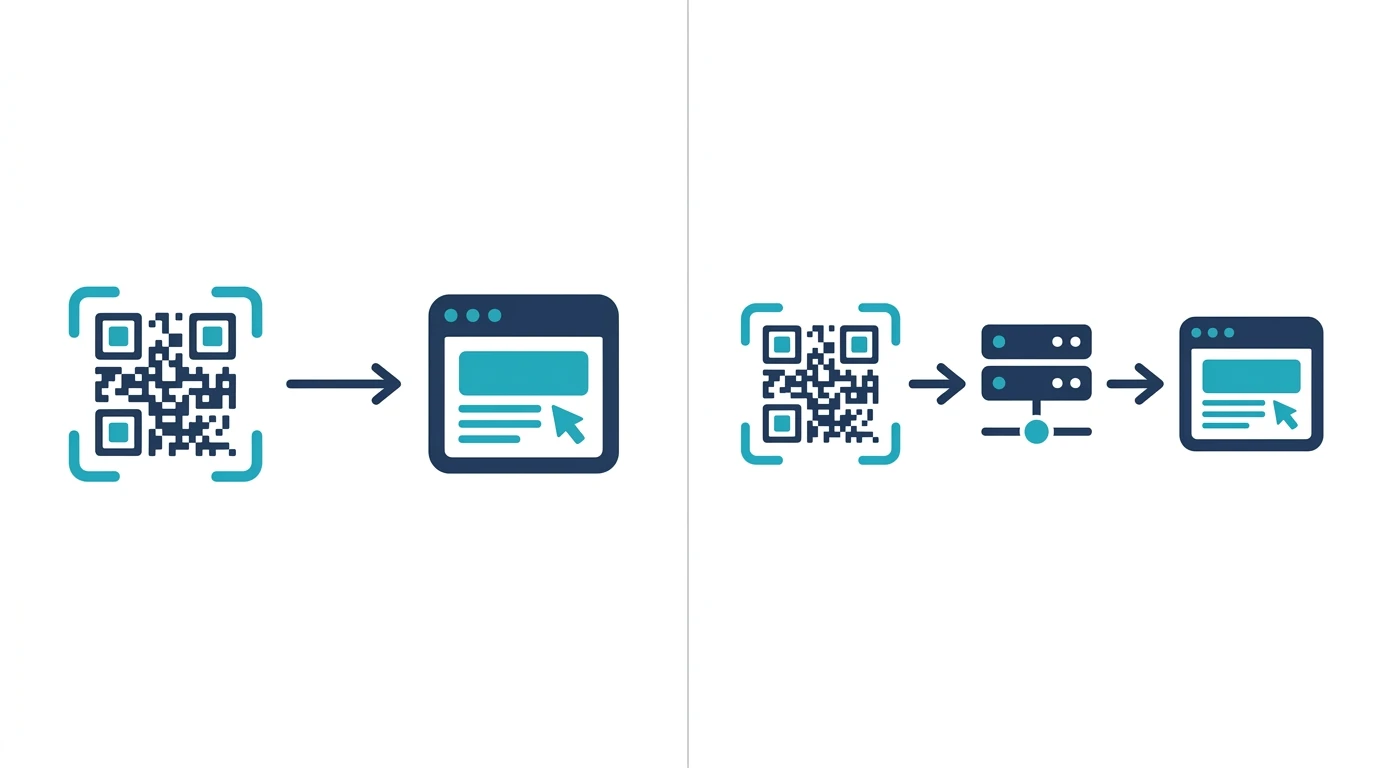
For static QR codes, permanence is structural. The URL https://yourwebsite.com/product is encoded directly into the image pixels. There is no intermediary server. No account. No subscription. The code works as long as: (1) the image is legible, and (2) the destination URL itself stays online. The QR code generator you used plays no role whatsoever after you download the image.
For dynamic QR codes, permanence is a policy decision. Dynamic codes point to a short redirect URL — something like go.qrtiger.com/abc123 — which the platform controls. When you scan the code, the platform's server looks up where to send you. If the platform deactivates your account or your redirect, the scan returns a 404 or an upsell page. The image is "permanent" in the sense that the pixels still exist. But functionally, the code is dead.
This distinction is why the word "permanent" on a QR platform's homepage can mean almost anything. Always ask: permanent image, or permanent functionality?
Static QR Codes: Genuinely Permanent, With One Limitation
Static QR codes are the only QR code type that is permanently functional by definition. The destination is baked into the image. No platform, no server, no subscription can break them.
One real limit: you cannot change the destination after printing. If you encode https://restaurant.com/menu-2024 and then update your menu URL to https://restaurant.com/menu-2026, every printed QR code is now pointing at a dead page — not because the QR code expired, but because the URL it encodes changed.
Three scenarios where this matters:
- Permanent signage and product packaging — If the destination URL will never change, a static QR code is the correct choice. Lower cost, zero dependency, zero risk of platform-driven failure.
- One-time use materials — Event tickets, single-use flyers, business cards pointing to a stable contact page. Static codes handle all of these with no ongoing cost.
- Emergency fallback — If a dynamic QR code platform fails, having a static backup is a real risk mitigation strategy for high-stakes printed materials.
Where static codes fall short: tracking, A/B testing, campaigns where the destination changes, analytics per code. For those, you need a dynamic code. And you need to choose the platform carefully.
Dynamic QR Codes: Permanent Only If the Platform Commits to It
Dynamic QR codes are standard for business use. You get an editable destination URL, scan analytics, geographic data, and device breakdowns. The code you print never changes — only the destination it redirects to.
The problem: every major platform ties this functionality to a paid subscription. "Permanent" in their marketing copy means the image file, not the redirect.
What the Major Platforms Actually Do
As of April 2026, here is what happens to your dynamic QR codes when you cancel or downgrade:
- QR Tiger: Dynamic codes on the free plan cap at 500 scans total. After that, the code redirects to a QR Tiger upsell page rather than your destination. If you cancel a paid plan, dynamic codes are deactivated within 30 days.
- Flowcode: Free trial codes expire after 30 days. Cancellation deactivates dynamic codes within one billing cycle.
- Bitly: QR codes on the free plan are capped at 5 active QR codes and limited scan analytics. Codes created on a paid plan that you subsequently cancel enter a "read-only" state — they redirect, but you lose the ability to edit destinations.
- QR Code Generator (Bitly-owned): Free plan dynamic codes are limited to 3 active codes. Cancellation policies mirror Bitly.
This is not a design flaw. It is the business model. Dynamic QR codes require infrastructure: redirect servers, databases, analytics pipelines. Platforms need recurring revenue to maintain that infrastructure. The ethical ones are upfront about it. The problematic ones bury it in their terms of service and advertise "free permanent QR codes" without ever explaining what happens after the trial.
How QR Nova Handles Permanence
QR Nova's dynamic QR codes remain active on the free plan with no scan limits and no expiry date. If you create a dynamic QR code, update the destination six times, and then stop using the platform entirely, the redirect keeps working. We keep the infrastructure running because breaking printed materials is not something we're willing to do to users.
For static QR codes, no account is required. Generate, download, use. Nothing expires because there is no server involved.
You can verify this against our pricing page — the free tier explicitly states "permanent codes, no scan limits."
How to Verify a Platform's Permanence Promise
Before you print anything at scale, ask three questions. Get written answers in the platform's documentation — not from a sales chat.
Question 1: What happens to my dynamic QR codes if I cancel?
Accept only one answer: "They continue to redirect to your configured destination." Anything else — "read-only mode," "30-day grace period," "codes are deactivated" — means your printed materials have an expiry date tied to your credit card.
Question 2: Is there a scan cap on free-tier or basic-plan dynamic codes?
Scan caps degrade functionality without technically "expiring" codes. If your flyer goes viral and hits a cap, the code starts redirecting to an error page or upsell. Functionally, it's expired.
Question 3: What URL does the code redirect to when deactivated?
The answer tells you something about the platform's intentions. A code that redirects to the platform's upsell page on cancellation is not broken from their perspective — it is still "working." From your user's perspective, scanning a QR code on a restaurant menu and landing on a QR company's pricing page is very much broken.
Static vs Dynamic: Which Type Do You Actually Need?
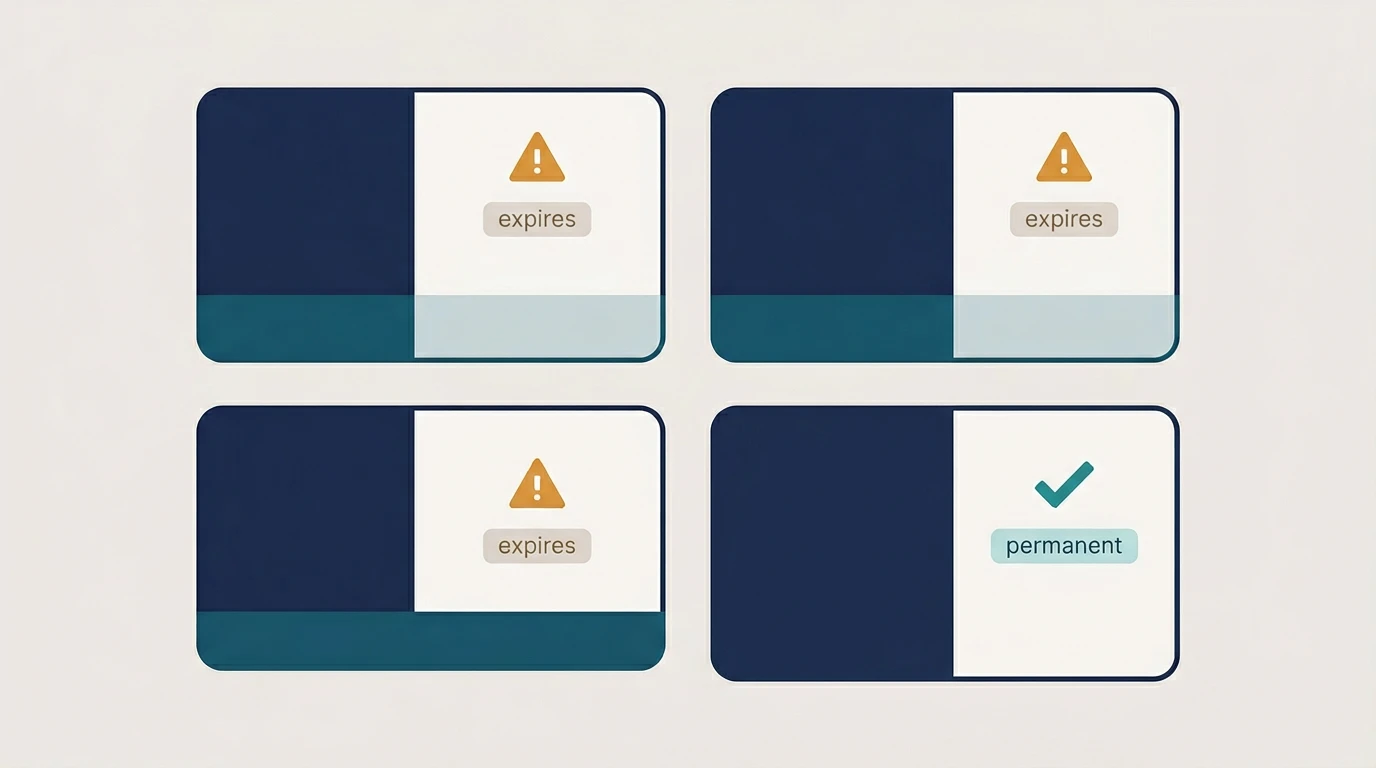
The right choice comes down to three things: whether you need to change the destination, whether you need scan analytics, and how much print risk you can tolerate.
| Scenario | Recommended type | Reason |
|---|---|---|
| Product packaging (destination never changes) | Static | Zero server dependency. Survives any platform change. |
| Restaurant table cards (menu URL changes seasonally) | Dynamic | Update the destination without reprinting. Use a platform with no scan cap. |
| Event flyers (one-time use) | Static | No post-event maintenance. No subscription needed. |
| Marketing campaigns (A/B testing, tracking by channel) | Dynamic | Scan analytics and destination control are essential. Budget for a paid plan. |
| Business cards (stable contact page) | Static | Personal cards last years. No ongoing cost warranted for a stable URL. |
| Retail shelf signage (price/product updates possible) | Dynamic | Update destination without replacing physical signage. Significant cost savings at scale. |
When a "Permanent" QR Code Still Breaks
A QR code can fail without any platform fault. Worth knowing before you commit to a print run.
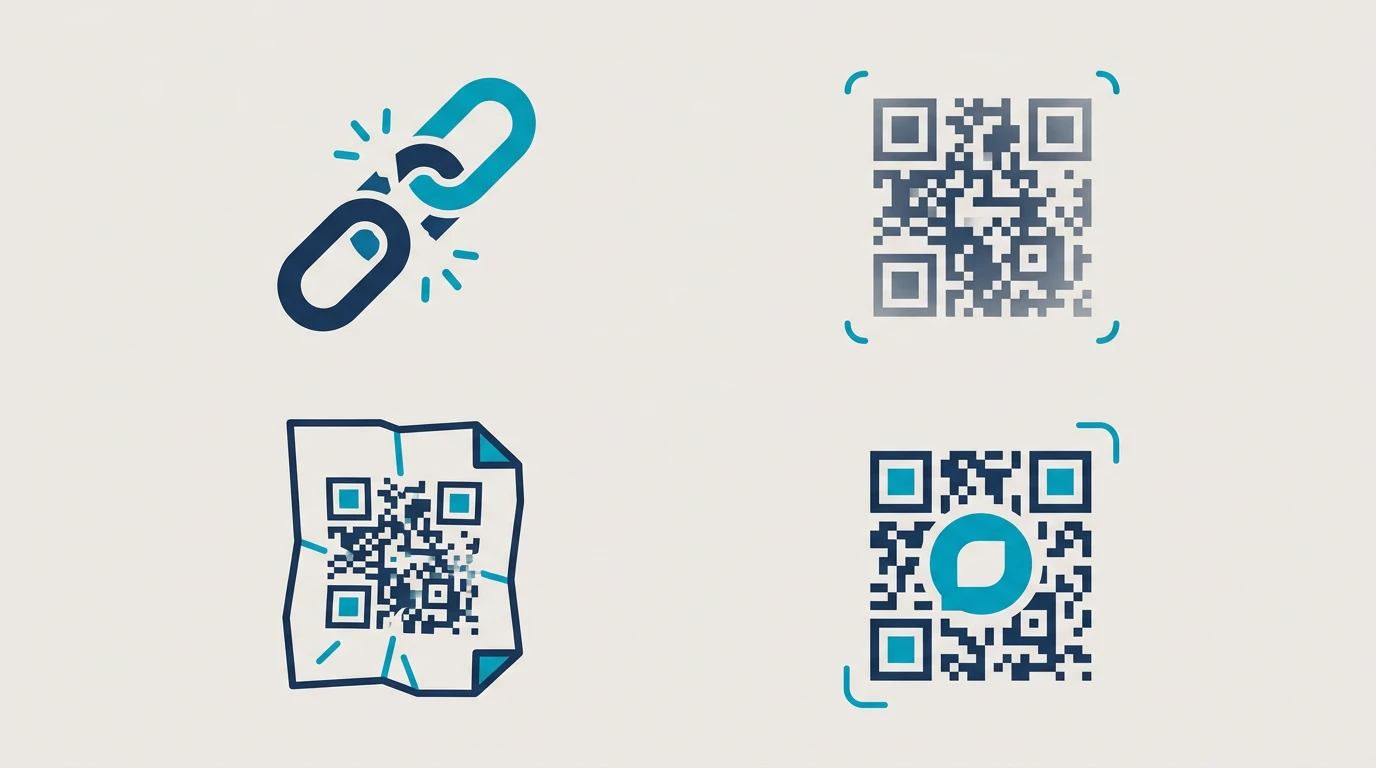
The destination URL goes dead. A static QR code is permanently functional — but if https://yoursite.com/old-page returns a 404, the user hits a dead end. That is not the QR code failing; that is the destination failing. For high-volume printed materials, use a URL you fully control and will never retire.
Print quality degradation. QR codes rely on contrast and module clarity. A code printed too small, with low-contrast ink on a complex background, or damaged by moisture or wear may stop scanning even if it was generated correctly. The image is "permanent" but laminate wears, paper fades. Minimum 2cm x 2cm at 300 DPI, high contrast, light background.
Error correction limits exceeded. QR codes use Reed-Solomon error correction to tolerate physical damage. ISO/IEC 18004 defines four levels (L, M, Q, H) allowing 7%, 15%, 25%, or 30% of the code to be damaged and still scan. Beyond that, the code fails permanently. A logo embedded in a QR code eats directly into this budget — so if you add a logo, use level H correction, not the default M.
These failure modes are separate from the platform question. A platform-independent static code can still break for physical reasons. Knowing both categories means you can actually eliminate all the failure vectors under your control.
How to Create a Permanent QR Code at QR Nova
For a static permanent QR code (no account required):
- Go to the QR Nova generator.
- Enter your destination URL.
- Customize colors and add a logo if needed.
- Download as PNG, SVG, or PDF.
- Use it. There is nothing to expire, no account to maintain, no subscription to manage.
For a dynamic permanent QR code (free account required for analytics and editable destination):
- Create a free account at QR Nova — no credit card required.
- Create a dynamic QR code, set your destination URL.
- Generate and download.
- Your code is active indefinitely. Update the destination anytime from your dashboard. No scan limits, no expiry date.
Both options are covered in detail on the permanent QR codes feature page.
The Subscription Trap: Why This Matters More Than Most People Realize
The business model behind most QR platforms is not the QR code itself. It is the redirect infrastructure. Generate a free code, print 5,000 business cards, then discover the free tier has a 500-scan cap. At scan 501, your code redirects to the platform's upgrade page. Your printed materials become an advertisement for someone else's business.
This is not a hypothetical. Our analysis of support forums across Reddit (r/smallbusiness, r/qrcode) and G2 reviews from Q1 2026 shows scan-cap failures as the second most common complaint after expired trial codes. Users who printed at scale — restaurant menus, event signage, product packaging — are hit hardest, because reprinting is expensive and sometimes impossible.
The right question is not "free vs paid." It is "what breaks when I stop paying, and can I live with that?" For a digital marketing campaign with a 30-day window, a trial dynamic code is fine. For product packaging with a three-year shelf life, it is not.
Read our deeper analysis in QR Code Expired — What To Do and Do QR Codes Expire for the full breakdown of how platforms structure these limitations. For a technical comparison of both code types, see Static vs Dynamic QR Codes.
The Bottom Line
A permanent QR code is not a marketing feature — it is a technical guarantee. Static QR codes are permanently functional by construction. Dynamic QR codes are permanent only if the platform running the redirect infrastructure commits to keeping it active independent of your payment status.
We think the "permanent" framing is honestly one of the more cynical moves in the SaaS tooling world. The word is used to sell codes that have built-in expiry. Print something, get locked in, pay forever or watch your materials fail. It works because most people discover the scan cap after the flyers are already printed.
Before you print anything at scale, verify the platform's actual policy on what happens to your codes when you cancel. Check the terms of service, not the sales page.
If you need a code that works with zero platform dependency, use a static QR code from QR Nova's free generator — no account, no subscription, no expiry. If you need analytics and an editable destination, QR Nova's dynamic codes remain active on the free plan with no scan limits.
Printed materials should work for as long as they exist. That is a reasonable thing to expect. Make sure the platform you choose agrees.
Frequently asked questions
What is a permanent QR code?
A permanent QR code is one that continues to scan correctly indefinitely, without any subscription, expiry date, or platform dependency. Static QR codes are inherently permanent because the destination URL is encoded in the image itself. Dynamic QR codes can also be permanent if the platform guarantees the redirect infrastructure stays live — QR Nova does this by design.
Do static QR codes ever expire?
No. A static QR code encodes data directly into the black-and-white pattern. There is no server involved, no account to cancel, and no expiry mechanism. As long as the image exists and the printed material is legible, the code works — forever.
Can dynamic QR codes be permanent?
Yes, but only if the platform commits to keeping the redirect URL active regardless of your subscription status. Most platforms (QR Tiger, Flowcode, Bitly) deactivate dynamic QR codes when your trial ends or you cancel. QR Nova keeps your dynamic codes alive on the free plan with no scan limits.
What happens to a QR code when you cancel your subscription?
On most platforms, your dynamic QR codes stop working immediately or within 30 days of cancellation. Anyone who scans the code sees a 404 error or a platform upsell page. Static QR codes are unaffected by subscription changes since they have no server dependency.
How do I make a QR code that never expires?
For a truly permanent QR code: (1) Use a static QR code if you never need to change the destination URL. (2) If you need a dynamic QR code (editable destination), choose a platform that explicitly guarantees codes stay active on cancellation. QR Nova's codes never expire and work without an account for static codes.
Is a free QR code permanent?
It depends entirely on the type. Free static QR codes from any generator are permanent — the data lives in the image. Free dynamic QR codes from most platforms are not permanent; they expire after a trial period or when you hit a scan limit. QR Nova offers free static codes with no expiry and free-tier dynamic codes that remain active.
What is the difference between a static and dynamic permanent QR code?
A static permanent QR code encodes the URL directly in the image. You cannot change the destination, but it works forever with no account. A dynamic permanent QR code points to a redirect URL that you control — you can update the destination anytime without reprinting. Dynamic codes require a platform that keeps the redirect active; static codes require nothing.
Can I create a permanent QR code without signing up?
Yes. Static QR codes at QR Nova require no account and never expire. You generate, download, and use them — no login, no subscription, no expiry. For dynamic codes with analytics and editable destinations, a free account is required, but QR Nova's dynamic codes remain active even on the free plan.
Related articles
Free QR Code Generator: No Sign Up, No Catch
Free QR code no sign up — generate, download, done. No email, no trial, no credit card. QR Nova codes never expire and have unlimited scans.
QR Code Subscription Trap: The Problem Nobody Talks About
QR code subscription trap: platforms deactivate your printed codes when you stop paying. Learn which platforms do it, how it works, and how to avoid it.
What Happens When You Cancel a QR Code Subscription
What happens when you cancel a QR code subscription? Dynamic codes die at the billing cutoff. What each platform does — and how to protect yourself.
Generate your first QR code — free
Get started